



What's New in Aurora: July 2026
Release 2026.6
Aurora 2026.6 is here, bringing updates to how institutions manage, ingest, and provide access to their digital collections.
This Aurora release introduces an updated administrative experience, streamlined content ingest in beta, a new accessible audio and video player, and greater flexibility for site management and analytics.
A cleaner administrative experience
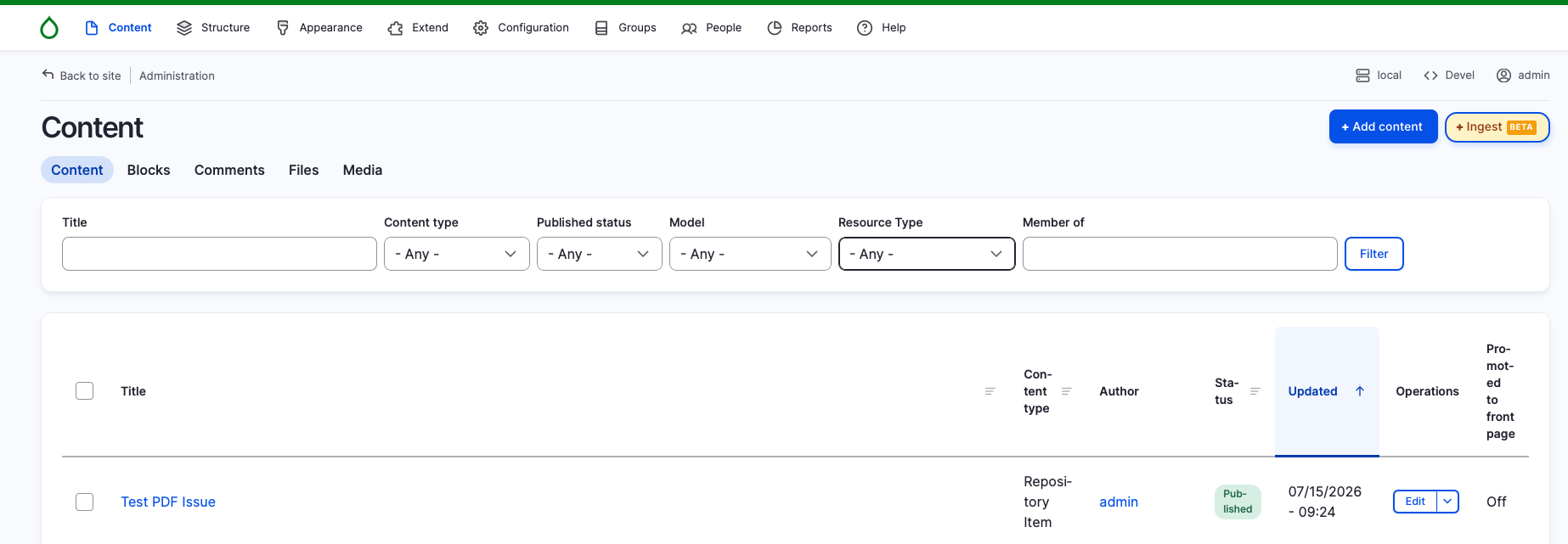
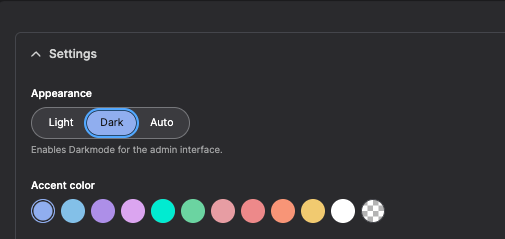
Aurora’s administration interface now uses Gin, an admin theme that brings a more modern backend experience.
The Gin admin theme includes:
- Dark Mode: An alternative darker interface.
- Flexible Layouts: Adjust menu orientation to suit your setup.
- Modern Interface: A cleaner, more organized interface for administrative work.
This update affects the administrative interface only. Your public-facing site experience remains unchanged.
A simpler way to ingest content, now in beta
One of the biggest themes we hear in conversations with repository managers is the need for simpler ingest workflows. Preparing and adding content is an important part of day-to-day collection management, but the process can be time-consuming.
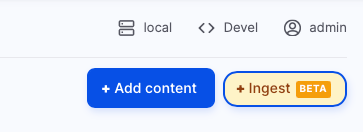
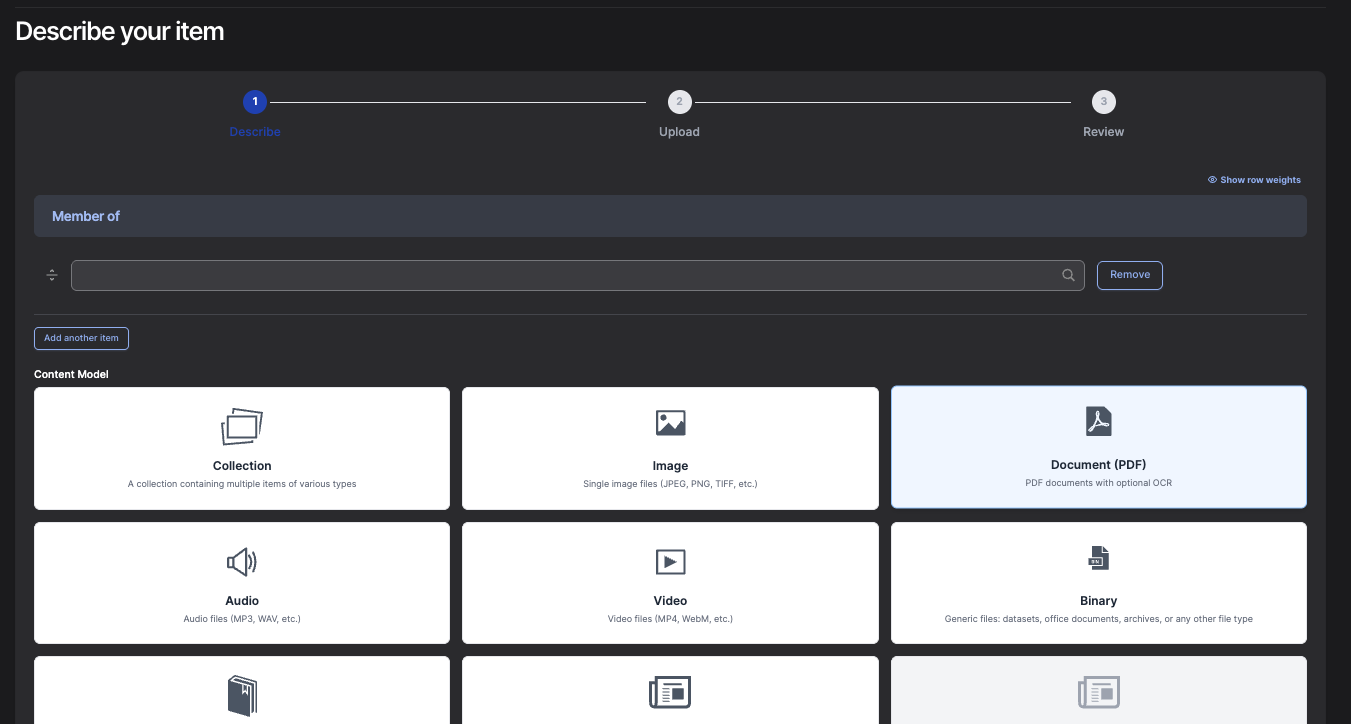
The 2026.6 release introduces a streamlined interface for creating and uploading objects directly through the Aurora administration interface.
The new interface supports:
- Paged content
- Compound objects
- .zip files, which can be used to create the corresponding pages and/or compound items
This new ingest experience is currently available as a beta and represents the first step in a broader effort to improve how content and metadata are added to Aurora.
A new accessible player for audio and video
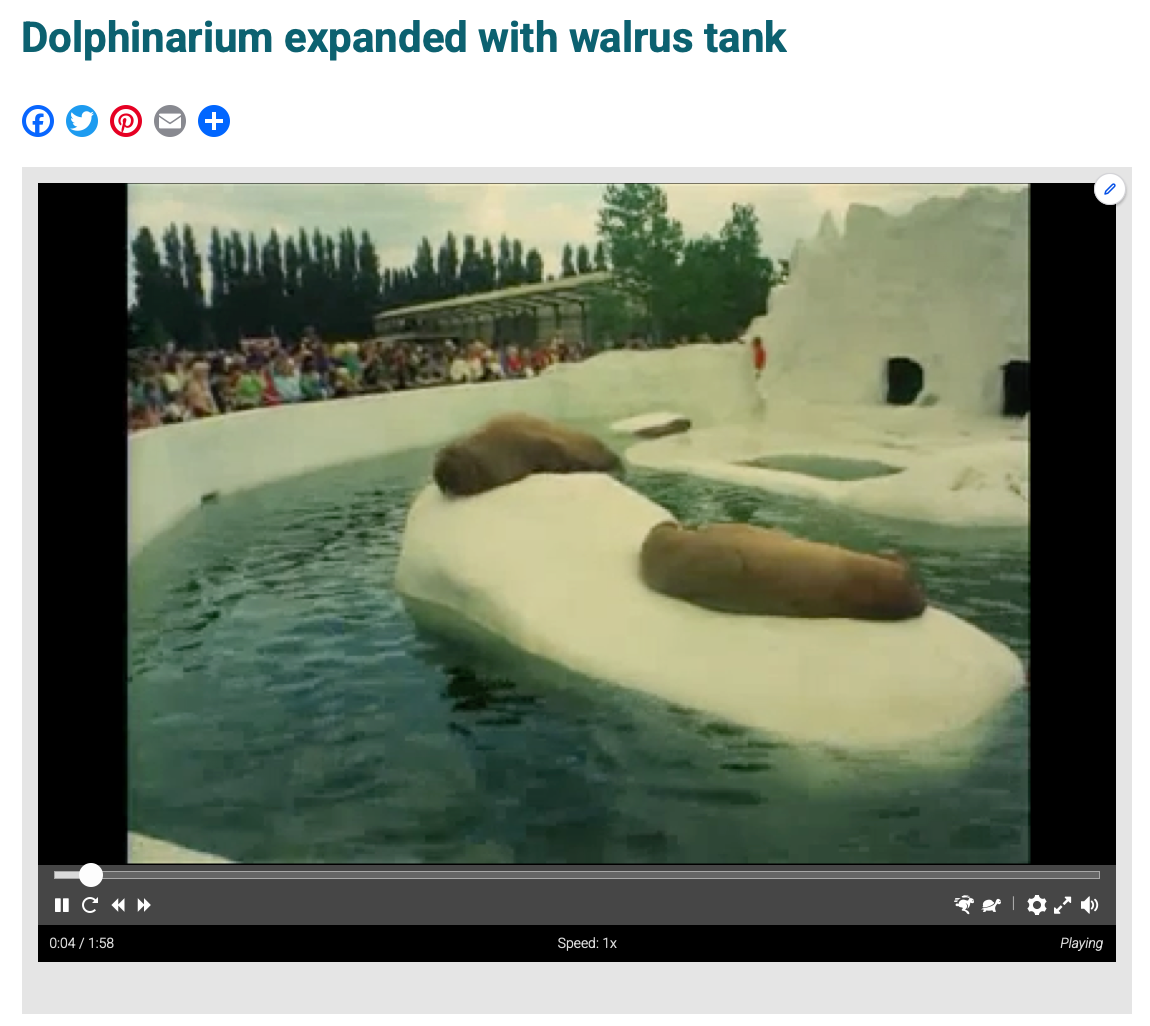
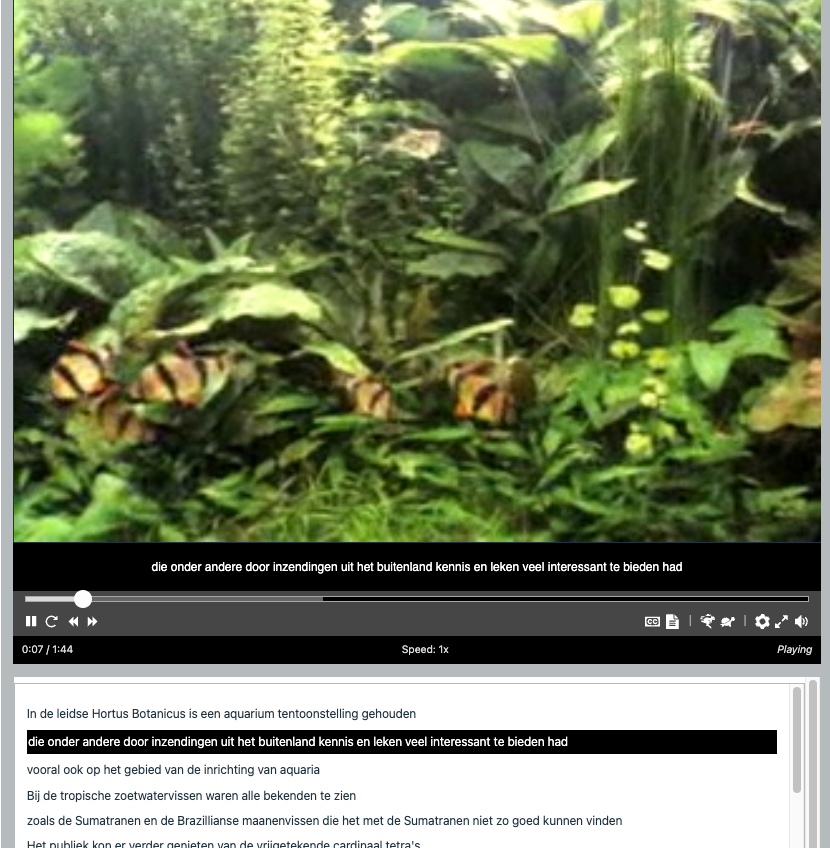
Aurora now uses Able Player for audio and video content, providing a more accessible playback experience for oral histories, interviews, recorded events, and other time-based media.
Able Player includes:
- High-contrast, keyboard-accessible controls.
- Synchronized interactive transcripts, with text highlighted as the media plays.
- Chapter navigation to help users move between specific points in a recording.
For teams working with oral histories and other media-rich collections, these features make recordings easier for users to navigate and follow while supporting a more accessible experience.
Explore this feature on our website.
More flexibility for analytics and tracking
Aurora includes native Google Analytics integration, while the new Asset Injector module gives institutions more options for using other analytics and tracking tools.
The module supports additional tools beyond Aurora’s native integration, allowing institutions to use the analytics solutions that best fit their reporting needs.
Improvements and fixes for daily work
This release also includes several smaller fixes related to administrator permissions, grid views, and the node title length module.
These improvements are part of the ongoing work of making Aurora more dependable and user-friendly.
Built around the needs of digital collections teams
Aurora continues to grow as a platform for institutions that need to create, manage, and share their digital collections while minimizing technical burden.
This release reflects the kinds of challenges we often hear from digital collections teams: simplifying site administration, improving ingest workflows, supporting accessible media experiences, and helping institutions manage collections effectively as their needs evolve.
Learn more about Aurora
If you’d like to learn more about Aurora, schedule a demo, or discuss how the platform could support your institution’s digital collections, contact Discovery Garden.
Miniature collector's cabinet, German, possibly Nuremberg, ca. 1600. The Metropolitan Museum of Art, Open Access Collection.
